YouTube Thumbnail Resizer & Converter
Instantly resize images to the perfect 1280x720 dimensions. Ensure your finance, crypto, or investing videos look professional on every device without losing image quality.
Resize Your Thumbnail in Seconds
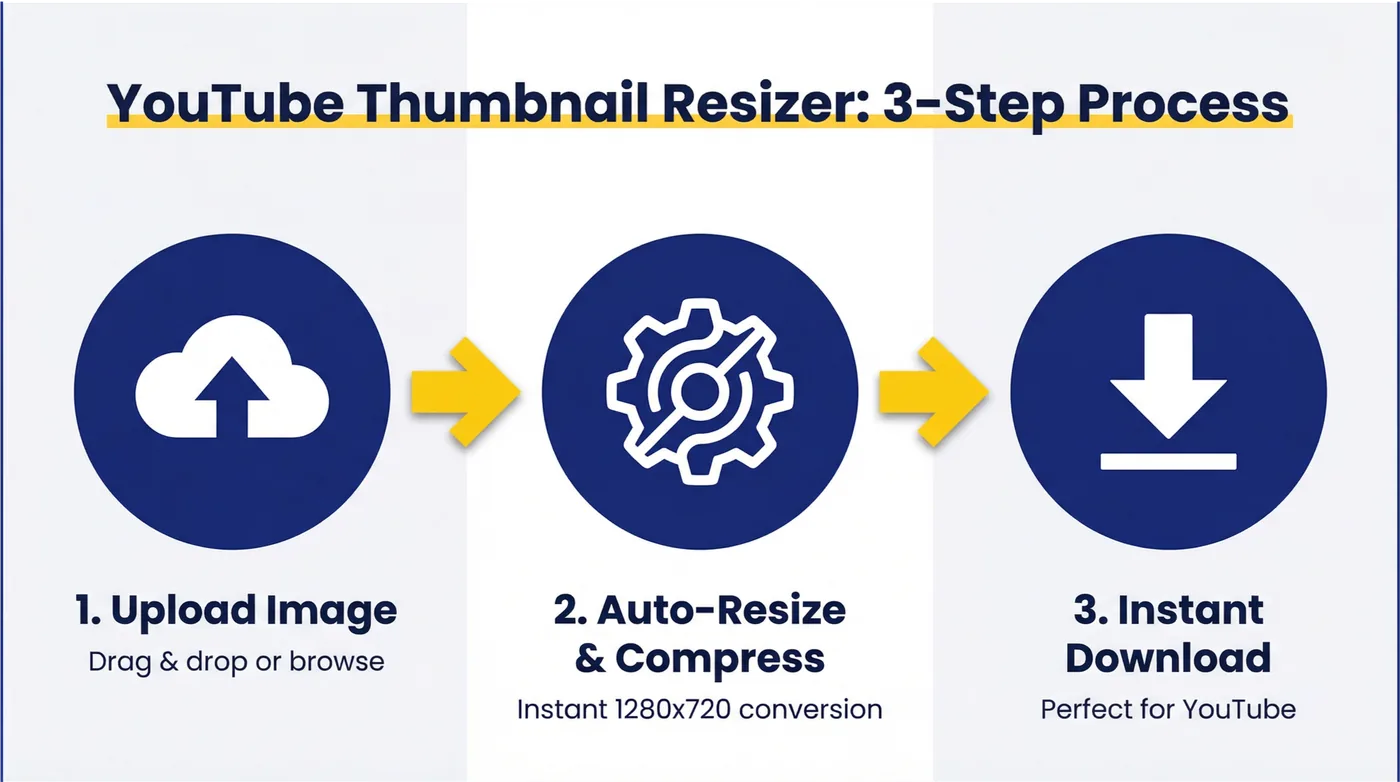
Upload your image and we'll instantly resize it to YouTube's official thumbnail size (1280x720). No email required. Your images are processed in your browser and never uploaded to our servers.
Drag & drop your image here
or click to browse
Supports JPG, PNG, and GIF (max 10MB)
Resizing your thumbnail...
Your Thumbnail is Ready!
Ready to A/B Test Your Thumbnails for Higher CTR?
You've got the right size—but is your thumbnail optimized for maximum clicks? Our AI Thumbnail Generator creates 3 unique, high-converting thumbnail designs tailored to your finance content. Test different designs and discover what drives the most views.
Ready to Dominate YouTube for Your Financial Brand?
Perfectly optimized thumbnails are essential for maximizing CTR. Pair them with expert YouTube SEO and video marketing strategies that turn views into revenue. Join dozens of financial brands growing with our proven evergreen content system.
Strategic YouTube SEO
Optimize your videos for search and suggested content algorithms
Evergreen Content Systems
Create content that continues to drive leads and revenue for years
Performance Tracking
Monitor key metrics and optimize your content for maximum ROI
YouTube Thumbnail Size & Specifications
Getting your YouTube thumbnail size right is the first step to a professional-looking channel. YouTube has specific requirements to ensure your videos look great on every device, from mobile phones to smart TVs. The official recommended size is 1280 x 720 pixels, with a minimum width of 640 pixels. This maintains a 16:9 aspect ratio, which is the standard for most video players and TVs.
For finance channels, adhering to these specifications is non-negotiable. A blurry or poorly cropped thumbnail can instantly damage your credibility. Your content might be top-tier, but a low-quality thumbnail suggests otherwise. The file size should be under 2MB, and the accepted formats are JPG, GIF, or PNG.
| Specification | Requirement |
|---|---|
| Resolution | 1280 x 720 pixels |
| Aspect Ratio | 16:9 |
| Minimum Width | 640 pixels |
| Max File Size | 2MB |
| Formats | JPG, GIF, PNG |
How Our Free Thumbnail Resizer Works
Our tool is designed for speed and simplicity. We know you're busy creating valuable content, so we've made resizing your thumbnails a one-click process. Simply upload your image, and our tool automatically resizes it to the perfect 1280x720 dimensions. It maintains the correct 16:9 aspect ratio, cropping if necessary, and compresses the file to ensure it's under the 2MB limit. Best of all, it's completely free and requires no email signup. The entire process happens in your browser, so your images are never uploaded to our servers, ensuring your privacy. For best results, pair your optimised thumbnail with a compelling video description to maximise both clicks and watch time.
Why Thumbnail Size Matters for Finance Videos
In the finance world, trust is everything. A correctly sized thumbnail is a signal of professionalism and attention to detail. When a potential viewer sees a crisp, clear thumbnail, it subconsciously tells them that the content is likely to be of high quality as well. Conversely, a stretched or pixelated thumbnail can make your channel look amateurish, costing you clicks and subscribers. The YouTube algorithm also favors videos with high click-through rates (CTR), and a professional-looking thumbnail is a key driver of CTR.
Common Thumbnail Sizing Mistakes Finance Creators Make
Many finance creators, especially those just starting, make common mistakes that hurt their channel's growth. The most frequent is using the wrong aspect ratio, such as a square (1:1) or vertical (9:16) image, which results in black bars or awkward cropping. Another is uploading a file that's too large, causing it to be rejected by YouTube. Low-resolution images are also a problem, as they look blurry on larger By using our resizer, you can avoid these pitfalls and ensure your thumbnails are perfect every time. A strong thumbnail is just one part of a winning YouTube content strategy.
How to Optimize Your Finance Thumbnails for Maximum CTR
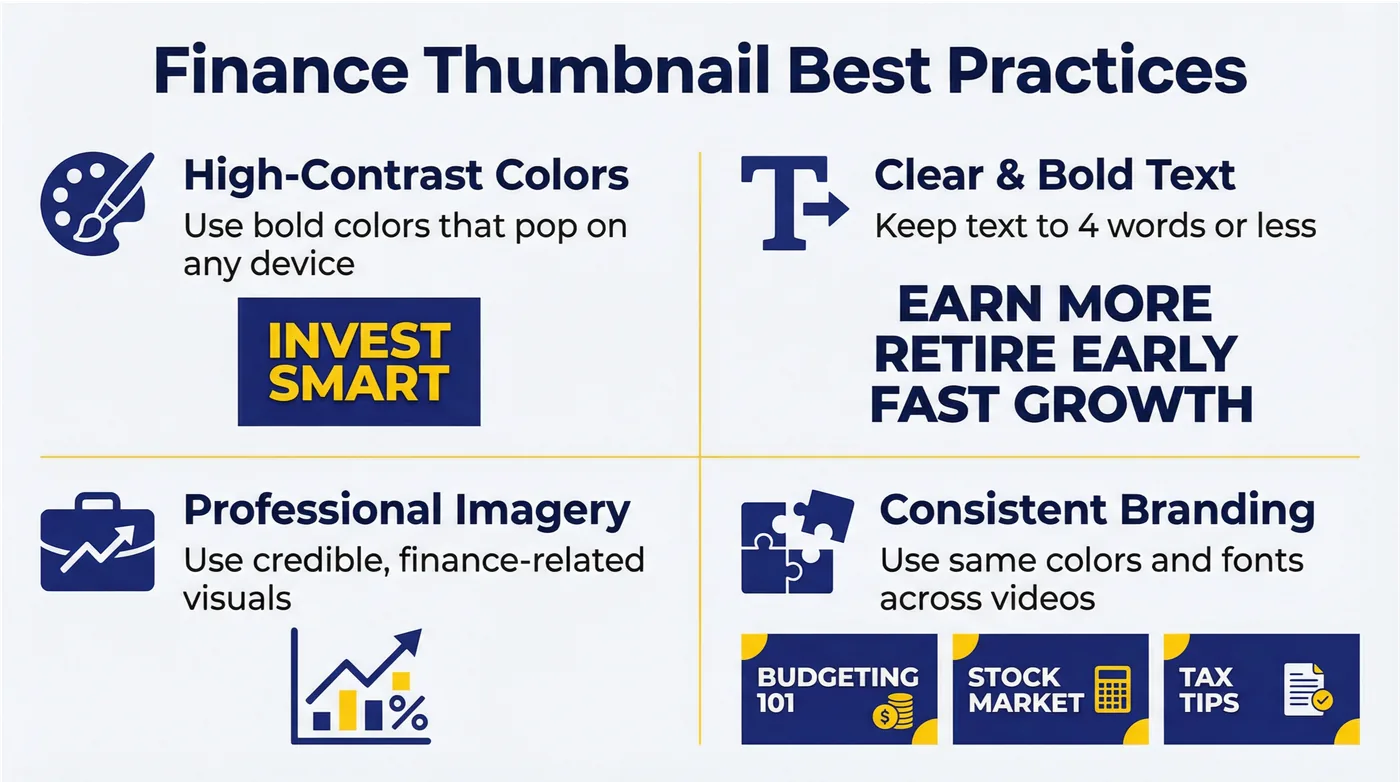
Correct sizing is just the foundation. To truly maximize your CTR, you need to think about design. For finance content, clarity and credibility are key. Use high-contrast colors to make your text readable, even on small mobile screens. Stick to a consistent brand style to build recognition. And while it's tempting to use clickbait, it can damage your reputation in the long run. Instead, focus on creating thumbnails that are both attention-grabbing and trustworthy. A great way to find what works is to A/B test different thumbnail designs. Our AI Thumbnail Generator can help you create multiple variations to test. Combine great thumbnails with a solid YouTube SEO strategy to drive sustainable channel growth.
Ready to Create High-CTR Finance Thumbnails?
Now that your thumbnail is the perfect size, it's time to take the next step. Are you sure it's optimized for the highest possible click-through rate? Use our AI Thumbnail Generator to A/B test different designs and discover what truly resonates with your audience. If you're looking to grow your channel faster, explore our YouTube Marketing Services or book a free discovery call with our team of experts. You can also craft click-worthy video titles with our free YouTube Title Generator.